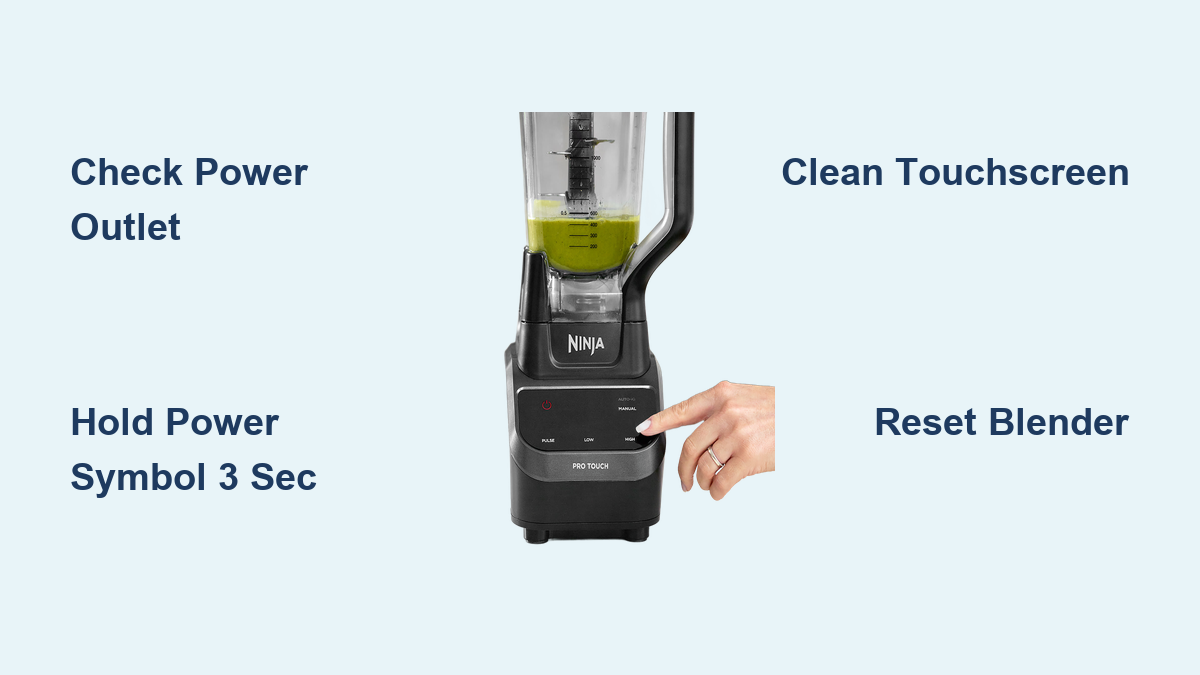
So you’ve got a Ninja blender. Congratulations, you are now the proud owner of a machine that could probably blend a brick if you let it. But there’s one tiny problem: you can’t figure out how to turn it on. Don’t worry, we’ve all been there. It’s like staring at a spaceship control panel while your smoothie ingredients just sit there, mocking you.
Let’s fix that. Grab your coffee (or tea, I don’t judge), and let’s walk through this like two friends untangling a mystery. Spoiler: it’s easier than assembling IKEA furniture.
First, Check Your Assembly
Before you start blaming the blender, make sure you’ve actually put it together. I know, I know, it sounds obvious. But you’d be surprised how many people try to blend a mango with the pitcher still on the counter.
Must Read
The pitcher needs to be locked onto the base. You’ll hear a satisfying click when it’s seated properly. No click? It’s not ready. Also check that the lid is on tight—Ninjas are smart and won’t run without a secure lid. Safety first, chaos second.
Find the “Power” Button (It’s Hiding)
Okay, now look at the base of your Ninja. Depending on your model, you’ll see a panel with buttons. They might say “Pulse,” “Low,” “High,” or just have a big power icon. The power button is usually the largest one, because these engineers know we’re all a little blind in the morning.
Press it. Nothing happens? Don’t panic. Most Ninjas require you to select a speed after pressing power. It’s like asking the blender what it wants to do today. Try pressing “Start/Stop” if you see one, or just hit “High” and brace yourself.
Wait, There’s a “Pulse” Button Too
Ah, the pulse button. It’s the blender’s way of saying, “I’ll do a quick angry rev, then stop.” You hold it down for short bursts. Great for chopping nuts or pretending you’re in a race car. But for a full blend, you’ll want a continuous setting, like “Low” or “High.”
If your Ninja has an Auto-iQ program (fancy name, I know), just press that. It does everything for you—start, stop, and even a little pause to show off. It’s basically the blender’s cruise control.
The Lid Trick (This is Key)
Here’s the secret Ninja gremlins don’t want you to know: the blender checks if the lid is locked. If it’s even a tiny bit crooked, the motor will refuse to start. It’s like a toddler who demands the sippy cup be perfectly aligned.
Twist that lid until you hear a second click. Some models have a clear plastic cap in the center—make sure that’s pushed down too. I once spent five minutes trying to blend a smoothie before realizing the cap was slightly askew. The blender was judging me.
 How Do You Turn On The Ninja Blender at Kirsten Nord blog
What If It Still Won’t Turn On?
Take a deep breath. You haven’t broken it. Nine times out of ten, the issue is the power cord. Is it plugged in? Check both ends—the wall and the blender base. Sometimes the cord gets knocked loose when you were angrily shoving carrots into the pitcher.
If the cord is fine, try another outlet. Your blender might be trying to tell you that your kitchen outlet is possessed. Also, check if the base is wet. Ninjas are waterproof-ish, but if you spilled water on the base, it might just wink at you and refuse to play.
The “Last Resort” Move
Still nothing? Okay, unplug it for ten seconds. Plug it back in. This is blender yoga. Sometimes they just need a little reset. Then try pressing the power button again while muttering a small apology. Works 60% of the time, every time.
If that fails, look at the bottom of the base. There’s a little rubber foot that sometimes gets stuck. Give it a gentle tap. I’m not saying it’s the blender’s tickle spot, but… I’m not not saying that.
Pro Tip: Don’t Overfill
Okay, you got it running. Now you’re blending like a champ. But here’s a hot tip: don’t fill the pitcher past the “Max” line. The Ninja will choke and splatter your kitchen with green goo. You’ve been warned.
Also, if you hear a weird rattling noise, you probably dropped a frozen strawberry seed into the blade assembly. It’s fine. Just stop, check, and try again. The blender is not plotting against you. Probably.
You Did It!
And there you have it. You’ve officially turned on your Ninja blender. You’ve conquered the machine that promises to pulverize everything in its path, yet sometimes refuses to even hum. Pat yourself on the back. Then make yourself a victory smoothie.
Remember: it’s just a blender. If it still doesn’t work, google your exact model—because Ninja makes like forty versions, and one of them secretly requires you to hold the handle while pressing power. Yes, that’s a thing. But hey, that’s a story for another coffee chat.