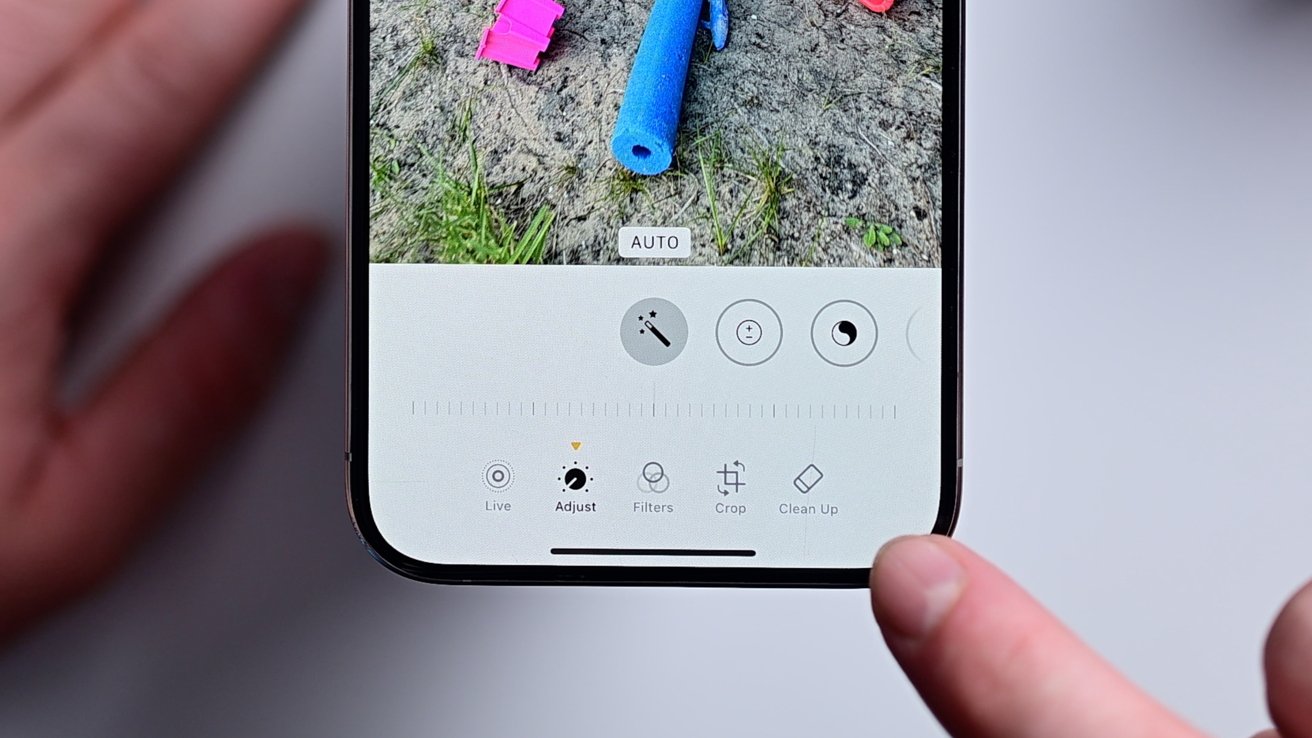
Let’s be honest for a second. Your iPhone photo library is probably a lot like that junk drawer in your kitchen. You know the one—full of random batteries, old takeout menus, and a mysterious key that might open something important.
You take photos with the best intentions. A blurry shot of your cat mid-yawn. Three identical pictures of your morning coffee. And let’s not forget the seventeen screenshots of that recipe you’ll never actually make.
Before you know it, your phone is screaming at you with that dreaded "Storage Almost Full" warning. It’s like your digital home is hoarding clutter, and you’re the one who has to live in it.
Why you should care about a clean photo library
Think of it this way: a messy photo library is like having a closet stuffed with clothes you never wear. Every time you want to find that one cute outfit (or that one adorable picture of your kid), you have to dig through a pile of junk.
Cleaning up your photos isn’t just about saving space. It’s about reclaiming your time. How many minutes have you spent scrolling past blurry pictures just to find a good one from last summer?
Plus, a clean library makes your phone feel faster. It’s like giving your device a little spa day—everything just works better. And honestly, your future self will thank you when you’re looking for a specific memory without the headache.
The "Three-Pass" rule for a happier camera roll
Start with the obvious junk. Screenshots of expired coupons, blurry photos of your foot, and those accidental pocket shots of the inside of your bag. Delete them all without guilt. You don’t need to memorialize a photo that looks like a crime scene from a potato.
Next, tackle the doubles and triples. We all do it—take five photos of the sunset hoping one will be perfect. Spoiler: only one is. Delete the copies. It feels oddly satisfying, like finishing a puzzle.
Finally, look for the "almost good" photos. You know, the ones where the lighting is terrible but you keep them just in case. Be brave. Press delete. You can’t fix a photo that’s basically a silhouette of a shadow.
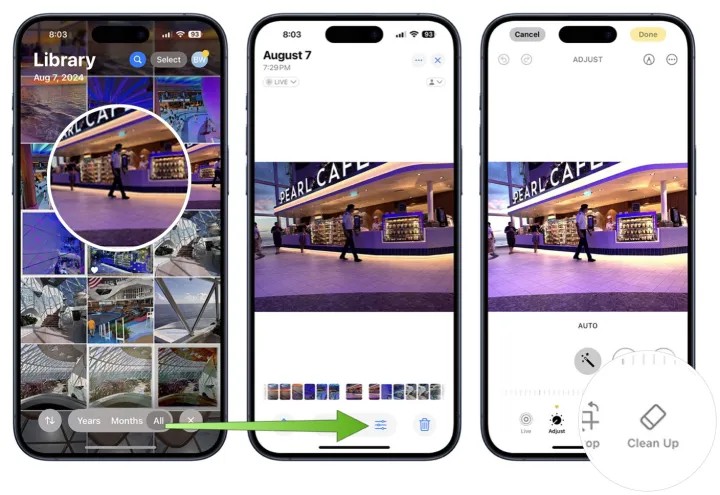 iOS 18 Clean Up: How to Clean up Photos on iPhone
Little stories from real life (yours and mine)
I once spent a whole afternoon looking for a photo of my dog’s first birthday party. After scrolling through 2,000 pictures of random receipts and blurry selfies, I felt like I’d aged ten years. My dog didn’t care, but I did.
My friend Sarah swears by the "monthly photo purge". She sits on her couch with a cup of tea and a determined look. She tells me it’s more satisfying than organizing her spice rack, and that’s saying something.
Another friend, Dave, keeps every single photo he’s ever taken. His phone is basically a digital landfill. Last week, he couldn’t find the photo of his new car because it was buried under 400 pictures of his lunch. Don’t be Dave.
Easy tricks to keep it clean forever
Use the iPhone’s built-in "Recently Deleted" folder like a safety net. It holds your photos for 30 days before they vanish for good. Think of it as a cooling-off period for your memory hoarding.
Set a recurring reminder on your calendar. Every first Sunday of the month, spend ten minutes doing a quick sweep. Ten minutes. That’s less time than scrolling TikTok while waiting for your coffee.
If you’re really serious, turn on iCloud Photos. It offloads the originals to the cloud and keeps smaller versions on your phone. It’s like having a storage unit without the monthly rental fee.
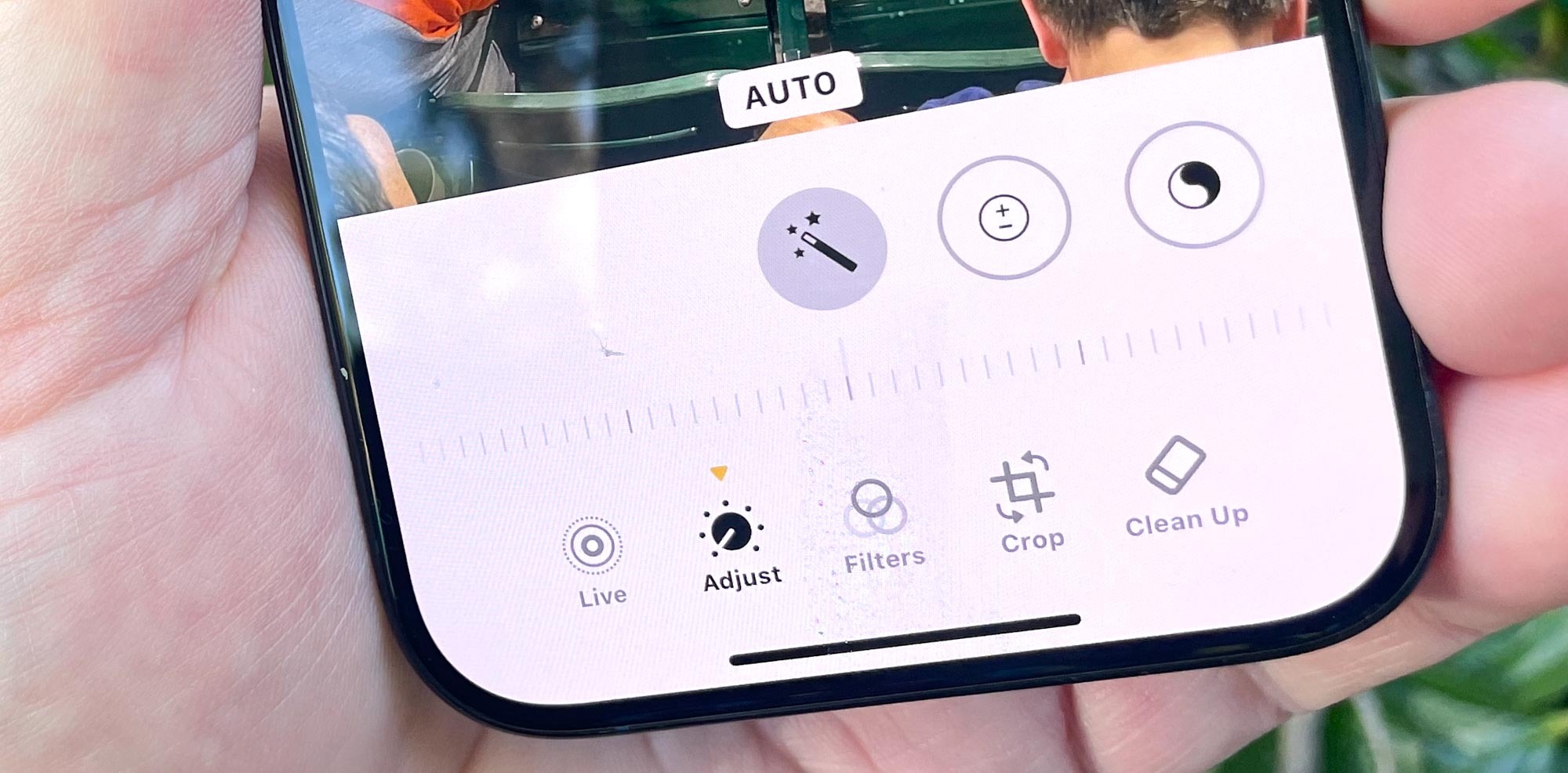 The Ultimate Guide to Efficiently Clearing and Organizing Your iPhone
The emotional payoff is real
There’s something surprisingly freeing about a clean photo library. It’s like wiping the fog off a mirror. Suddenly, you can actually see the memories that matter.
You’ll find gems you forgot about. That silly video of your niece dancing. That perfect shot of the beach from your vacation. It’s like a treasure hunt, except you already own the treasure.
And when you want to show someone a photo, you won’t have to apologize with, "Wait, let me find it... it’s here somewhere." You’ll just swipe and share. That’s a small win that feels huge.
A final nudge (with love)
Look, I’m not saying you need to become a minimalist photo monk. Keep the weird ones that make you laugh. Keep the ones that tell a story. But for the love of good lighting, let go of the blurry lunch photos from three years ago.
Your iPhone is supposed to be a tool for joy, not a digital hoarders’ warehouse. A little cleanup goes a long way. Think of it as spring cleaning for your soul—but way easier, and with no dust bunnies.
So go ahead. Open that camera roll. Take a deep breath. And start swiping left on the junk. Your phone, your brain, and your future self will all give you a little high-five.