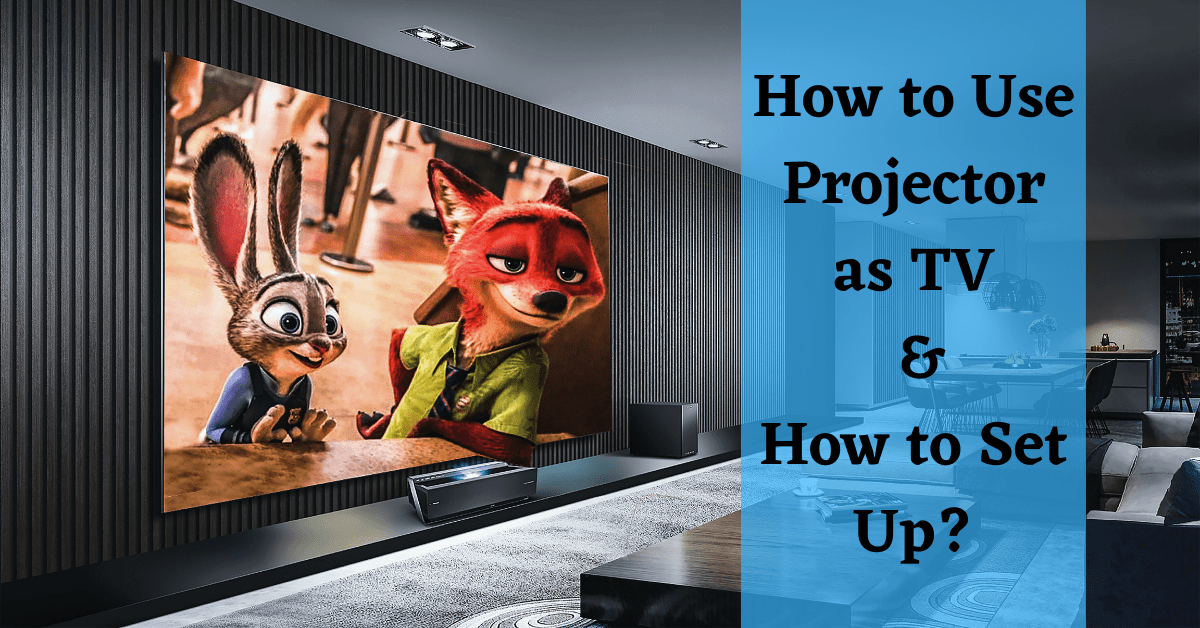
So, there I was, sprawled on my living room floor, eating popcorn out of a mixing bowl and staring at a wall. My roommate had just moved out, taking the 55-inch television with her. I was left with a bare wall, a sad-looking phone screen, and a wild idea: the old Epson projector from the office closet.
I hooked it up to my laptop, aimed it at the blank plaster, and hit play on Mad Max: Fury Road. Suddenly, my tiny apartment was a cinema. The dust motes dancing in the light beam felt like special effects. That night, I learned the most important rule of projector TV: ambient light is the enemy.
But it wasn't just about turning off the lights. It was a whole new way of watching. You can’t just “throw” a projector onto any wall and expect magic. You need a game plan, and maybe a bit of strategic chaos.
Must Read
Step One: The Screen Situation
First, forget the idea of a “screen” if you’re on a budget. A plain, flat white wall works wonders. But be warned: textured walls (like popcorn finish) will make your characters look like they’ve got chickenpox.
If you want to get fancy, you can buy a projector screen. Or, you can do what I did: tack up a white twin bed sheet. It’s wrinkle-prone, but it costs $8 at a thrift store. Just pull it tight and watch the magic—or the wrinkles on Darth Vader’s helmet.
For the best results, paint a dedicated wall with special projector paint. Yes, that’s a real thing. It turns your wall into a $200 screen for the price of a can of Behr.
Step Two: Mastering the Light Monster
Let’s be real: projectors and sunlight are mortal enemies. If you try to watch a daytime game, your picture will look like a ghost whispering through fog. The solution is blackout curtains.
Seriously, go buy the thickest, ugliest blackout drapes you can find. They don’t have to be pretty. My curtains are a hideous maroon, but they turn my room into a cave. A cave where Chris Hemsworth looks crisp and clear.
Avoid watching during peak afternoon sun unless you enjoy squinting. If you must, close all blinds and consider a brightness-boosting “ambient light rejecting” screen. They’re expensive, but they work like a charm for daytime binges.
Step Three: Audio Is Non-Negotiable
Here’s where most beginners mess up: projector speakers are garbage. They sound like a tin can with a bee inside it. You cannot listen to dialogue through built-in projector audio—you’ll miss half the plot.
 How To Connect Projector To TV (How To Set Up And Use Projector To TV
Your cheap fix? A simple Bluetooth speaker or a soundbar placed below the screen. I use an old Bose SoundLink that’s covered in pizza grease. It sounds better than the fanciest home theater system when you’re broke.
For a real treat, wire up two bookshelf speakers to a used AV receiver from Facebook Marketplace. Your neighbors will hear the explosions before you do. (Sorry, Steve in 3B.)
Step Four: The Cable Chaos
You will have wires. Lots of them. HDMI, power, audio cables—it looks like a spaghetti monster exploded behind your sofa. Embrace the mess or buy a cable management kit from Amazon.
If you’re streaming, the easiest setup is a Chromecast or Fire Stick plugged directly into the projector’s HDMI port. No laptop needed. Just a remote and a lot of “is this buffering?” anxiety.
Bonus hack: point the projector at the ceiling if you’re lying in bed. Yes, your neck will hurt after ten minutes. But it’s an oddly cozy way to watch The Office reruns while riding a mild headache.
Step Five: Calibrate Like a Nerd
Don’t just plug and play. Go into the projector’s settings and turn off “Dynamic” mode. That mode makes everything look like a fluorescent highlighter. Switch to “Cinema” or “Movie” mode immediately.
Adjust the keystone correction to fix that trapezoid-shaped image. Most projectors have a slider or automatic feature. If you’re lazy like me, just tilt the projector on a stack of books until it looks right.
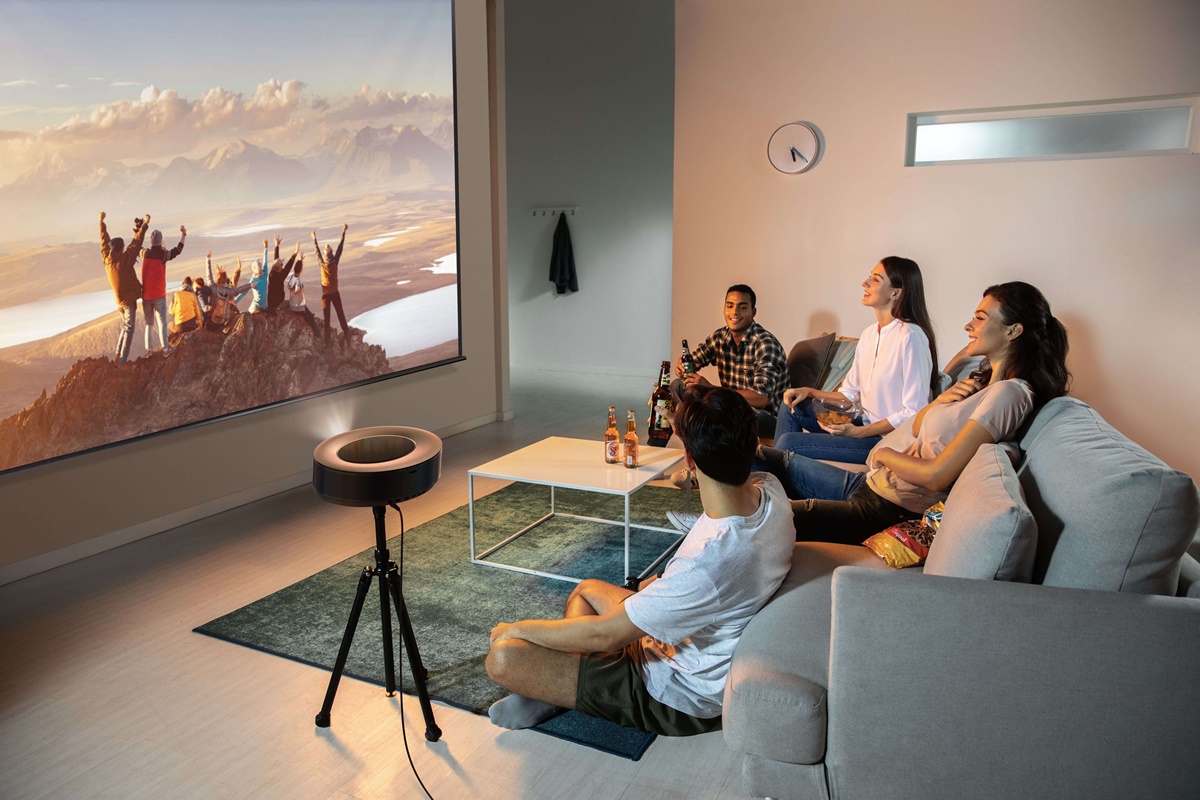 How To Watch TV With A Projector | CitizenSide
Finally, lower the brightness slightly. Too bright washes out dark scenes (like the famous Game of Thrones battle). You want blacks to look black, not dark gray. Trust me, you’ll thank me when you can actually see what’s happening in that cave scene.
Step Six: The Culture Shift
Watching TV with a projector changes your habits. You can’t just “flip” to the news. The lamp bulb has a warm-up time. You’ll start planning your viewing schedule around nightfall.
But here’s the payoff: everything feels epic. A cooking show becomes a culinary opera. Sports? You can see the sweat on the quarterback’s brow. Your friends will text you, “Where are you watching the game?” and you’ll say, “In my mini-IMAX.”
Just remember to buy an extra bulb early. They cost $50 each and always die during the season finale. Because of course they do.
The Final Warning
Don’t buy the cheapest projector on Amazon. I did that once—it had a built-in DVD player and a fan that sounded like a lawnmower. Spend at least $300 for something decent.
Look for 1080p native resolution (not “compatible,” but native). And check the lumens: 2,000+ for any room with windows, 1,000 if you’re a bat-person who lives in darkness.
Now, go forth. Turn out the lights. Press play. And when the image flickers because the cat walks in front of the lens, just pretend it’s art. You’re a projector person now. Welcome to the club—where the popcorn is cheap, the screen is huge, and the shadows are always a little bit crooked.